ROMEX® BIM Library
Put ROMEX in your model.
Free Revit families for every ROMEX assembly and the products inside them, hosted on BIMsmith with the installation guides, cut sheets and specifications that go with them.
01Assemblies
Start from a build-up that works
Each assembly is a complete section, from the surface to the subgrade, as a Revit family and a PDF detail. Drop it into the model and you start from a build-up ROMEX has already detailed.
Showing all 13 assemblies

RSG with pavers
Set any paver on a bonded bed that drains
WithTRASS BED, ADHESION ELUTRIANT, resin jointing

RSG with porcelain
Lay thin porcelain that stays bonded
WithTRASS BED, ADHESION ELUTRIANT, resin jointing

Open graded system
Joint an unbonded paver build with resin
WithResin jointing, FLEX JOINT

ISATec anchored pavers
Hold unbonded pavers on slopes and turns
WithISATec EARTH ANCHORS, FLEX JOINT, FUGENSANDListed on BIMsmith as Paver Displacement Tools

Insulated slab
Pave a roof deck where R-value counts
WithTRASS BED, ADHESION ELUTRIANT, resin jointing

Non-insulated slab
Pave straight over a structural slab
WithTRASS BED, ADHESION ELUTRIANT, resin jointing

Bonded gravel
Turn loose stone into a firm surface that drains
WithPROFI-DEKO, PURE +

Bonded gravel with TRASS
Give bonded gravel a rigid, permeable base
WithPROFI-DEKO, TRASS BED
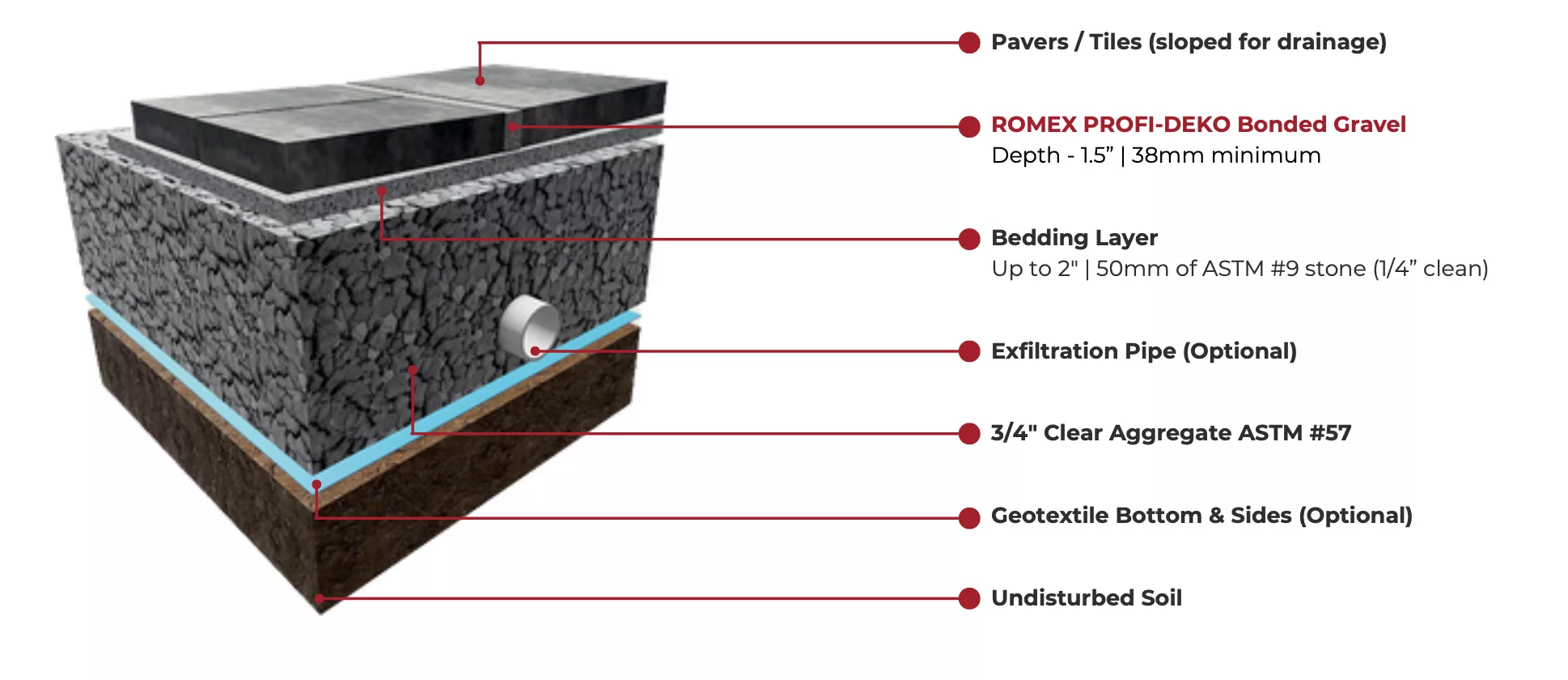
Bonded gravel jointing
Fill wide stone joints with bonded gravel
WithPROFI-DEKO

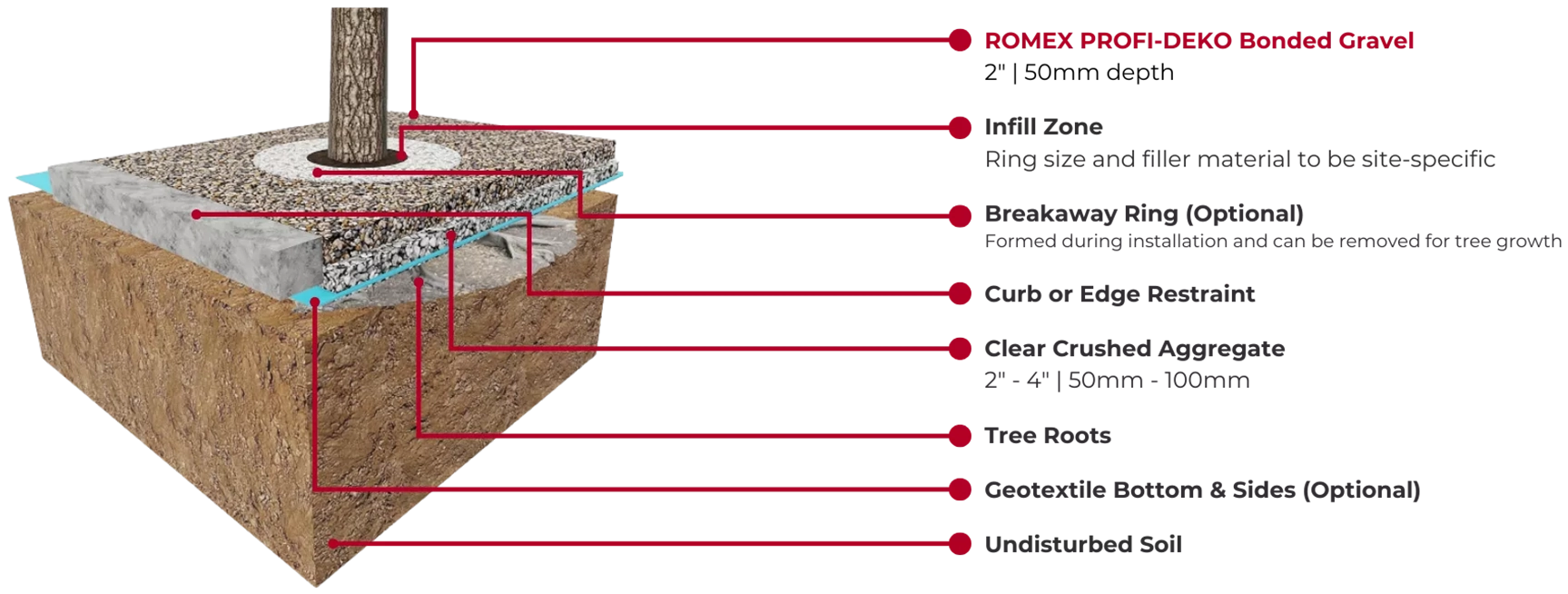
Tree surround
Pave up to the trunk and let the tree breathe
WithPROFI-DEKO, PURE +
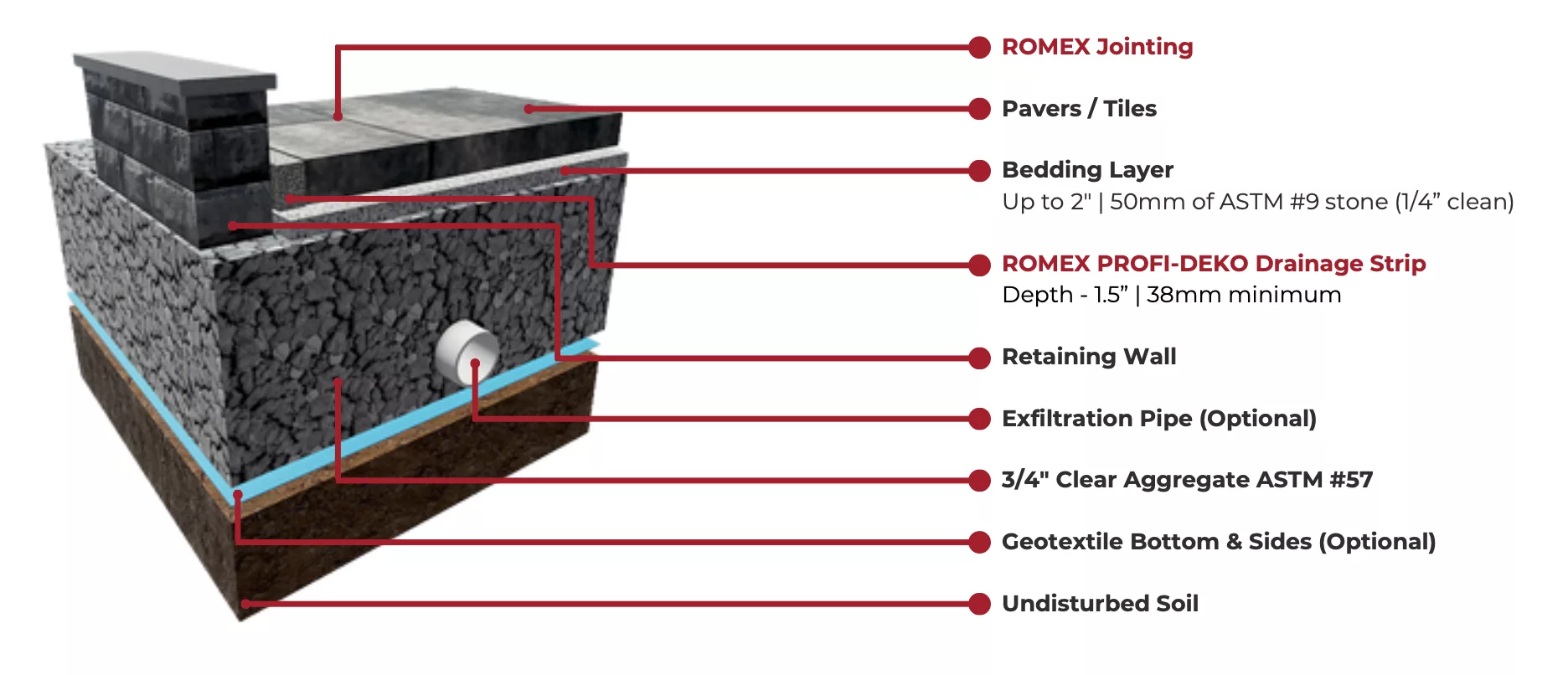
Bonded gravel drainage strip
Drain the foot of a wall or building
WithPROFI-DEKO, resin jointing

Want the layers, products and warranty route for each build-up? See every assembly in detail.
02Products
A family for every product
A family for each ROMEX material, for when you are detailing your own section or tagging a material in the model.
Resin jointing
About resin jointingFill and bond the joints between pavers, slabs and stone.
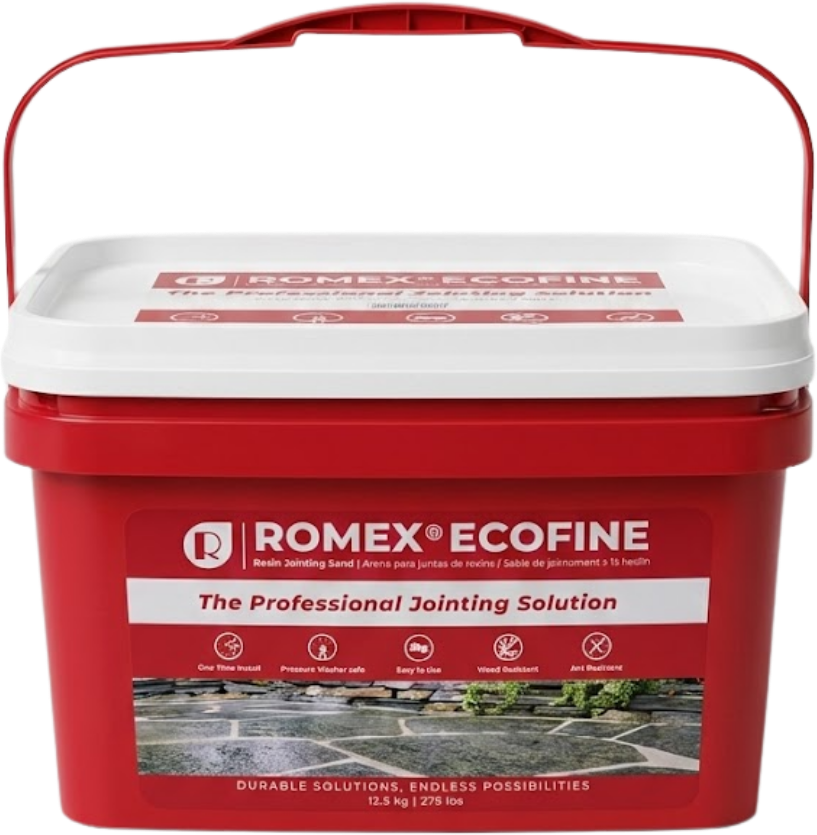 ROMEX®
ECOFINE
Finish pool decks, patios and paths with a jointing sand made from 98% natural, recycled or renewable materials.
 ROMEX®
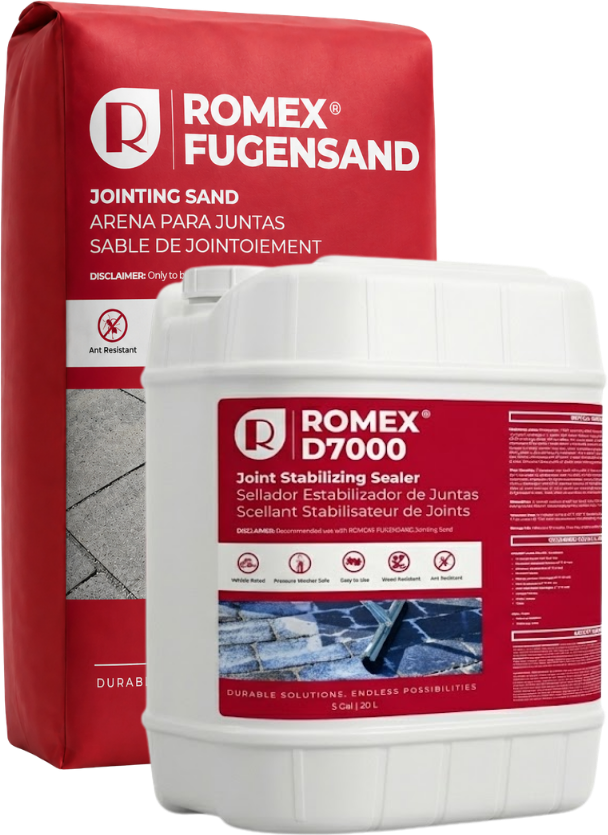
FUGENSAND
Lock narrow joints on driveways and interlocking pavers, and keep them pressure washer safe.
 ROMEX®
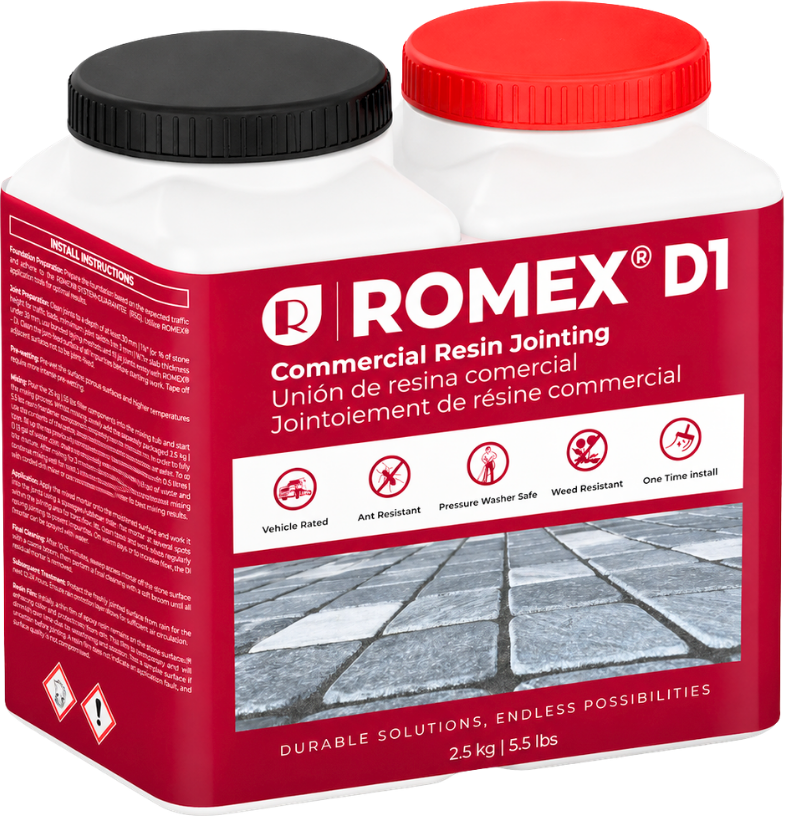
D1
Joint plazas and public spaces that see vehicles, on porcelain, natural stone and concrete pavers.
 ROMEX®
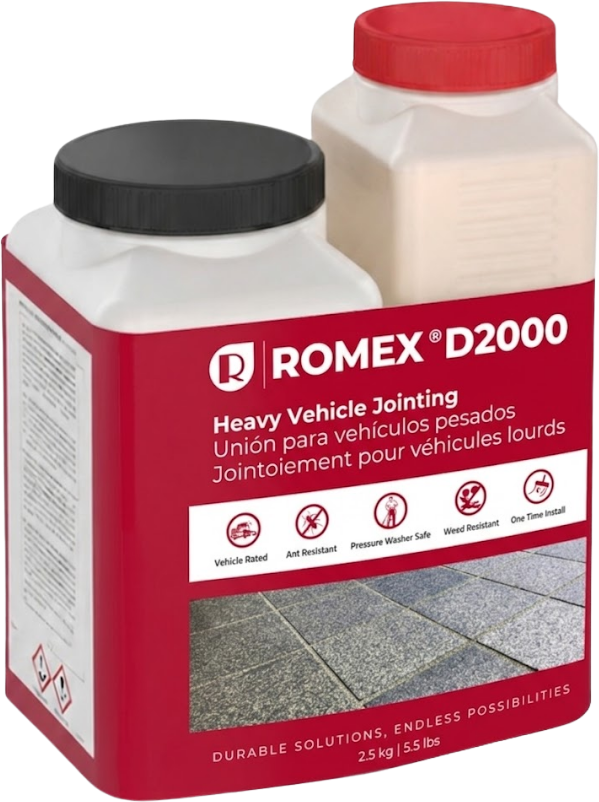
D2000
Joint heavy commercial paving that has to reopen to vehicles quickly.
 ROMEX®
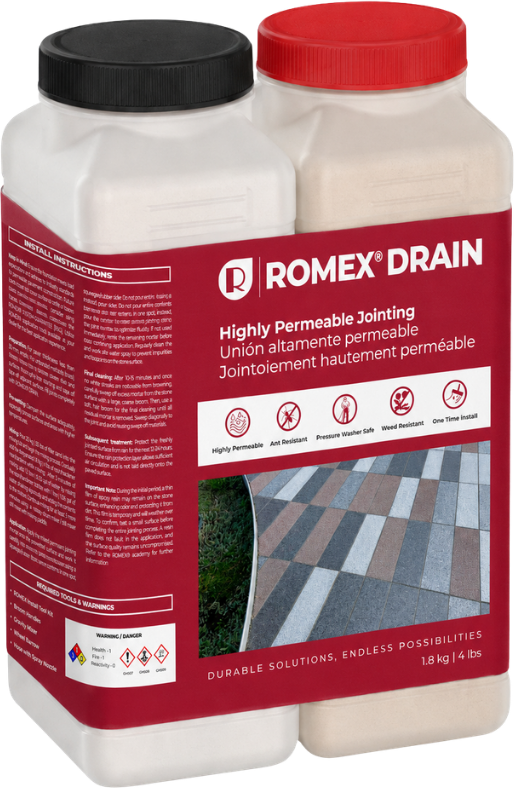
DRAIN
Keep joints highly permeable on green infrastructure projects with strict permeability rules.
 ROMEX®
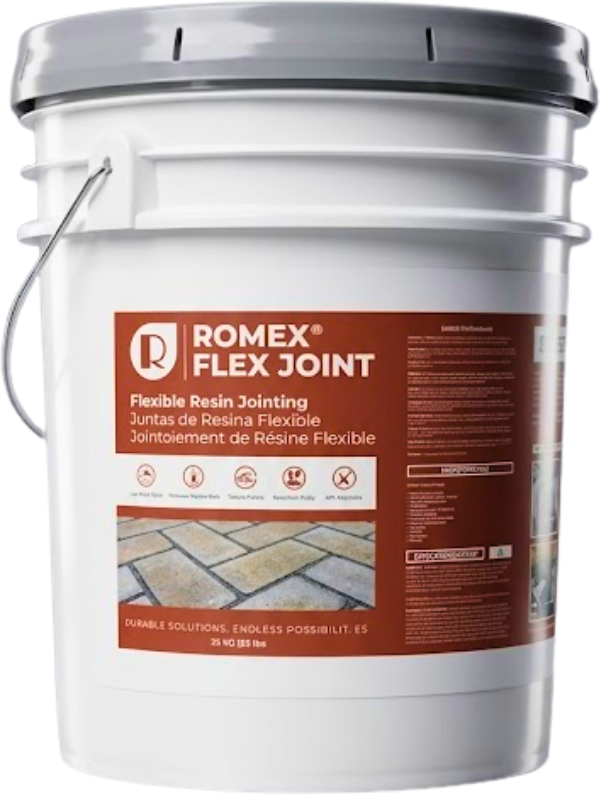
FLEX JOINT
Joint unbonded and permeable pavers, and control joints, with a mortar that flexes.
Trass bedding
About trass beddingThe bonded, permeable bed under the RSG assemblies.
 ROMEX®
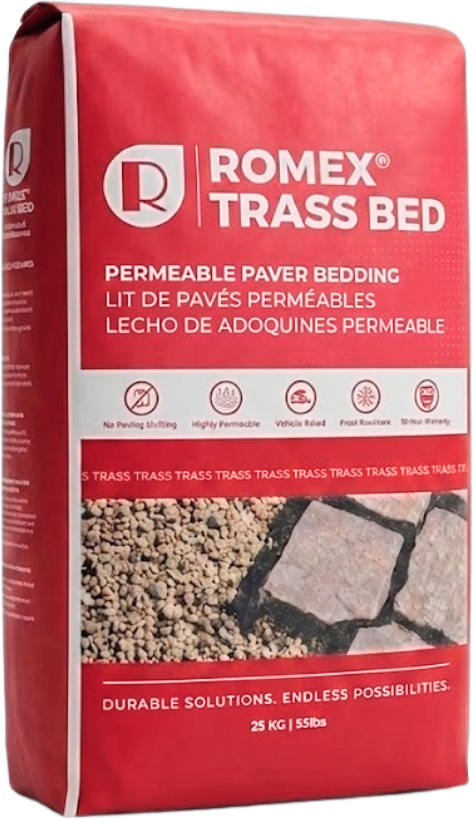
TRASS BED
Replace the concrete mud slab with a frost-resistant, permeable bed that bonds every paver.
 ROMEX®
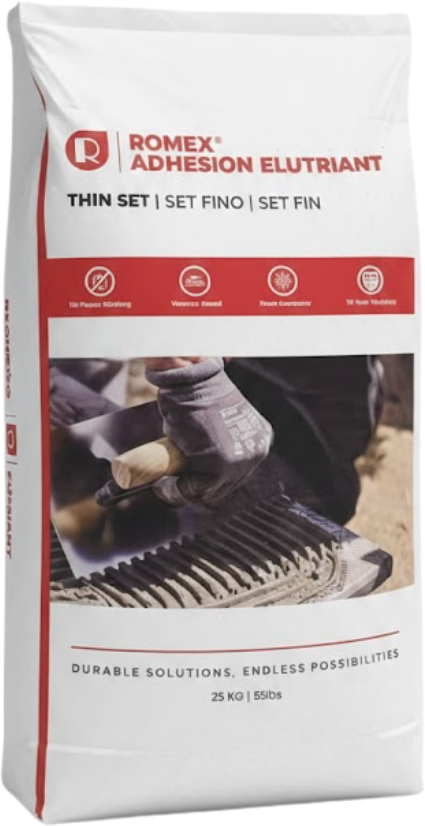
ADHESION ELUTRIANT
Bond each paver wet-on-wet to the TRASS BED, so nothing shifts.
Resin surfacing
About resin surfacingBind stone and fines into a firm surface that still drains.
 ROMEX®
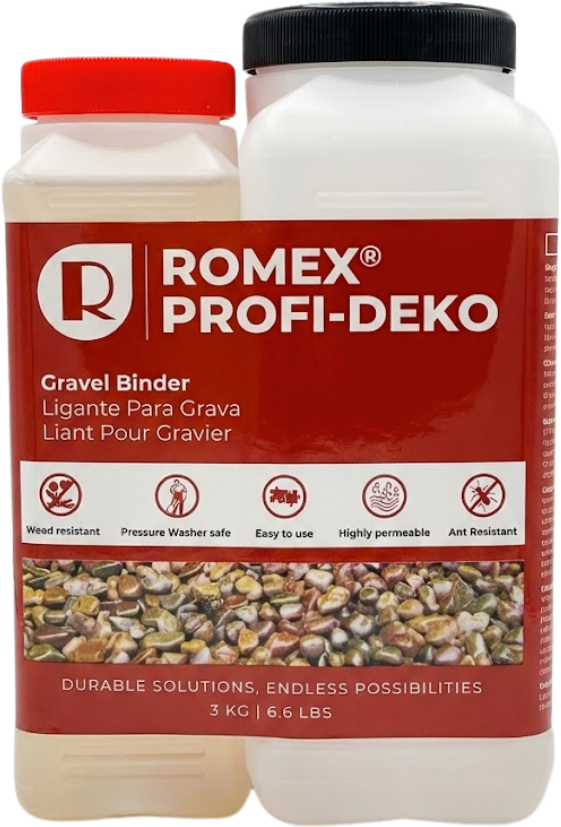
PROFI-DEKO
Turn clear stone into a firm, highly permeable surface for paths, tree surrounds and drainage areas.
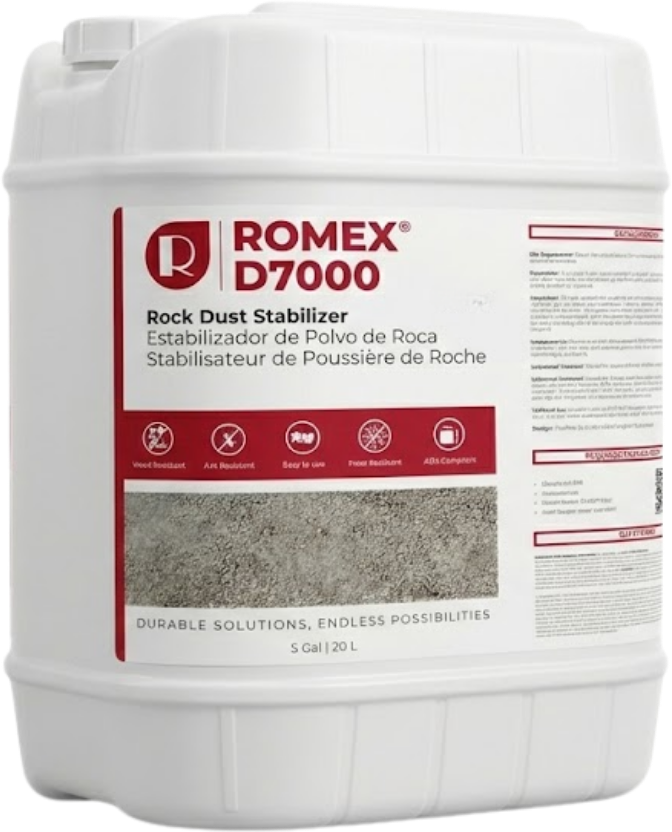 ROMEX®
D7000
Stabilize crusher fines and rock dust paths against washout, rutting and dust.
03How it works
Three steps to the model
Pick the family
Choose an assembly or a product above. Each card opens its own page on BIMsmith.
Download it free
Select Revit, and PDF for assemblies, then download. BIMsmith hosts the files and keeps them current.
Load it and spec it
Load the family into your Revit project, and pull the specification and installation guide into the project manual.
What comes with a family
- Revit familyEvery family
- PDF detailAssemblies
- Installation guideTechnical docs
- Cut sheets and catalogTechnical docs
- 3-part specificationMany families
- Safety data sheetProducts
Documents vary by family. Each BIMsmith page lists exactly what is attached.
04Spec support
More than a model
The Revit family gets ROMEX into the drawings. These get it into the specification, and keep it there through construction.
- Spec language
Product Specifier
Filter by your site conditions and get the right ROMEX product, the depths we recommend and spec text ready to paste.
Open the specifier - 2D and 3D
Assemblies
Every build-up with its layers, products and warranty route, plus 2D sections and 3D views to download as PDFs.
View the assemblies - CAD details
Landscape Architect Portal
Downloadable CAD details and guide specifications for design professionals.
Go to the portal - For your team
Lunch and Learn
We walk your firm through the complete ROMEX system, from base construction and bedding to jointing and maintenance.
Book a session
FAQ
Good to know
Are the ROMEX BIM files free?
Yes. Every ROMEX Revit family, and the documents that come with it, is free to download from BIMsmith.
Which file formats are there?
Revit for every family, plus a PDF detail for each assembly. The 2D sections and 3D views are also on the assemblies page, and CAD details are in the Landscape Architect Portal.
Should I use an assembly or a product family?
Start from an assembly when one matches the build: it carries the whole section, from the surface to the subgrade, with the ROMEX products already in place. Use a product family when you are detailing your own section or tagging a material in the model.
Can the paver assemblies take vehicles?
Yes, when the assembly is built for it. ROMEX TRASS BED with ROMEX D1 or D2000 joints is rated for traffic loads up to 40 T, per the data sheets. Tell us the loading and we will work through the detail with you.
How does a project qualify for the 10-year warranty?
The 10-year warranty covers the RSG-10 fully bonded system: ROMEX TRASS BED, ADHESION ELUTRIANT and a ROMEX resin jointing product, installed to ROMEX requirements and registered with us. The warranty options page sets out every route, including the 5-year options.
Where do I get spec language for the project manual?
Many families carry a 3-part specification on BIMsmith. For spec language matched to your site conditions, use the Product Specifier: filter by your project conditions and get the right ROMEX product, the depths we recommend and text ready to paste.
I can’t find the detail I need. Can you help?
Yes. Tell us what you are detailing and we will work through it with you, from product choice to the specification. Send us your project or call 1-844-529-2330.
Detailing a ROMEX project?
Our team helps design teams with product choice, details and specifications, from concept through installation.